
How to add Announcement in CMST
The Announcements feature in CMST allows administrators to share important information, updates, and notices with all users within the system. It ensures effective internal communication and keeps everyone informed about key updates.
Steps to Create an Announcement
- Log in to CMST
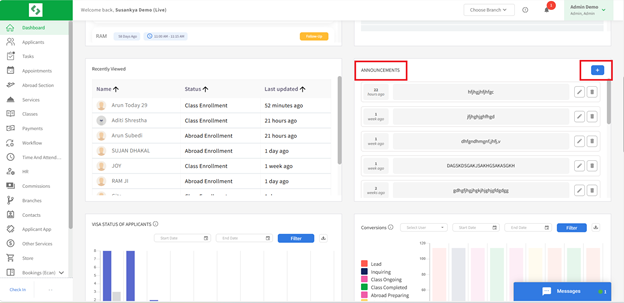
- Navigate to the Announcements section from the left panel
- Click on the Add Announcement button
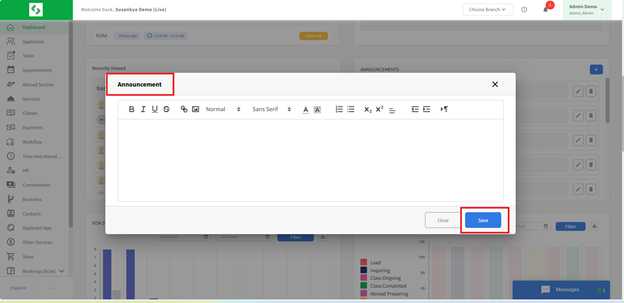
- Enter the title and message content
- Click Save/Publish
The Announcements feature in CMST provides a simple and effective way to communicate important information to all users. It ensures transparency, timely updates, and smooth organizational communication.