
How to Update the Visa Status in CMST
Updating the visa status in CMST helps you keep track of the progress for each student. Follow these steps to update the status:
Open the student profile from the dashboard.
Click on the Visa Processing tab to view the existing visa details.
In the second dialog box that appears, locate the Update Status button on the right corner (highlighted in blue).
Click on the Update Status button and select the appropriate visa status from the available options.

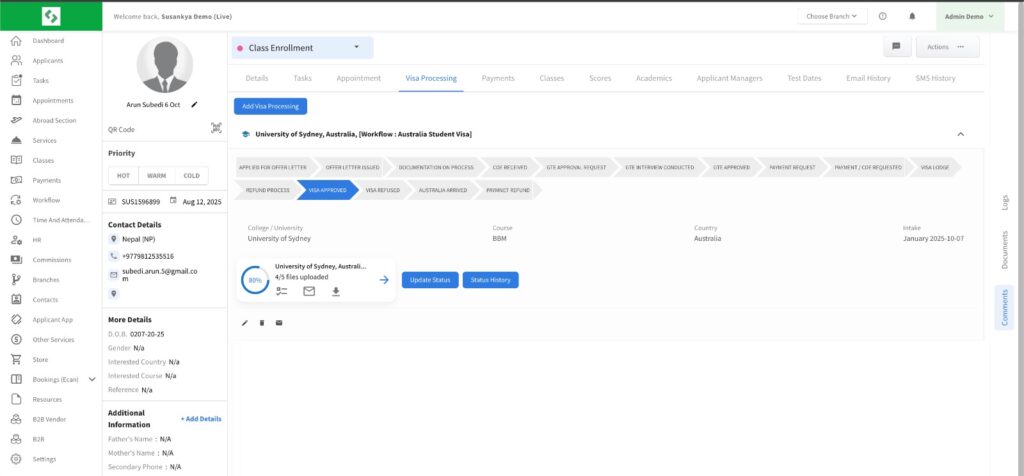
Once updated, the new visa status will be reflected in the student’s record, ensuring accurate and up-to-date tracking of visa processing activities.